先看钥匙是不是填好了,有没有多空格,或者千问平台有没有欠费。还是连不上,写信到 support@mollypai.com,写明你的邮箱账号。我会尽快提供技术支持。不要把 API Key 贴在邮件里。
Help
Connect your own Qwen
Talking to a pet uses your own Alibaba Cloud Qwen. MollyPai voice uses the Qwen3.8-Omni-Flash-Realtime model. MollyPai does not give you the key, does not pay for you, and does not relay your requests. The API key stays on this phone. Use the model within the laws where you are.
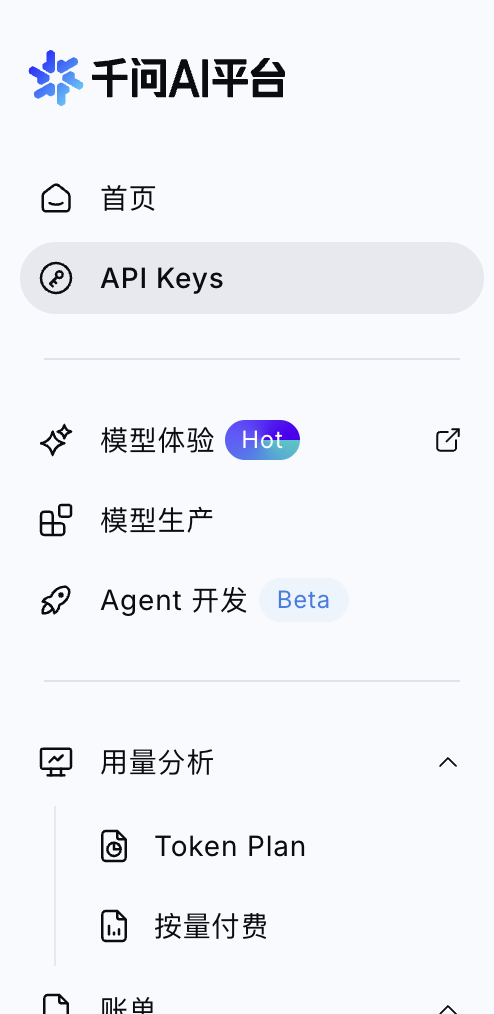
Open the Qwen AI console and sign in with your Alibaba Cloud account. After sign-in it looks like this. The pictures show the Chinese console. The buttons are in the same places.
How to get a Qwen API key
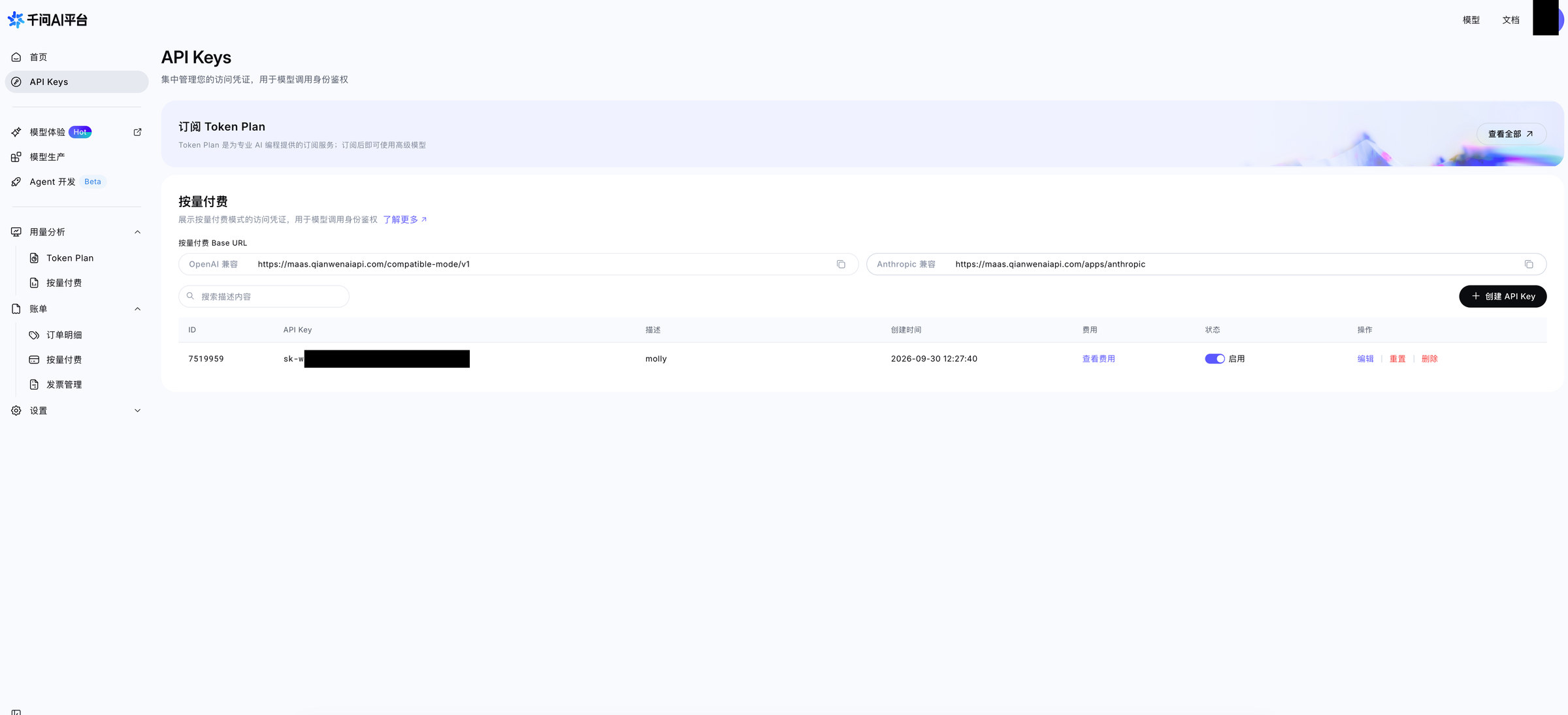
Open API KeysOn the left, tap API Keys.
Use pay as you goThe page has Subscribe to a Token Plan and Pay as you go. Use the Pay as you go section below.
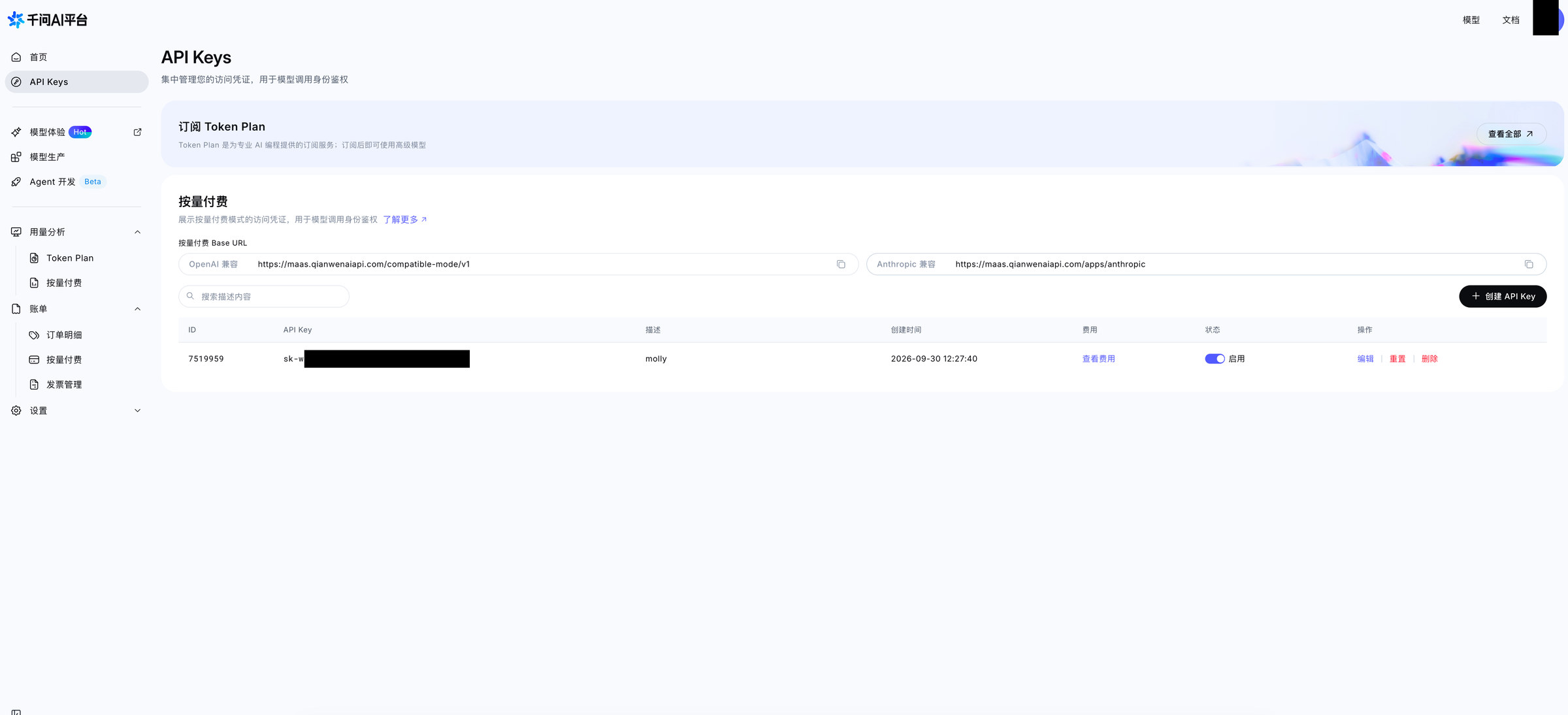
Create an API keyTap Create API Key on the right. The name can be anything, such as molly. Then tap Generate API Key. The full key is shown only once. Copy it and keep it. Do not share it. After you close the dialog, it cannot be copied again. If that happens, delete the old key and create another.
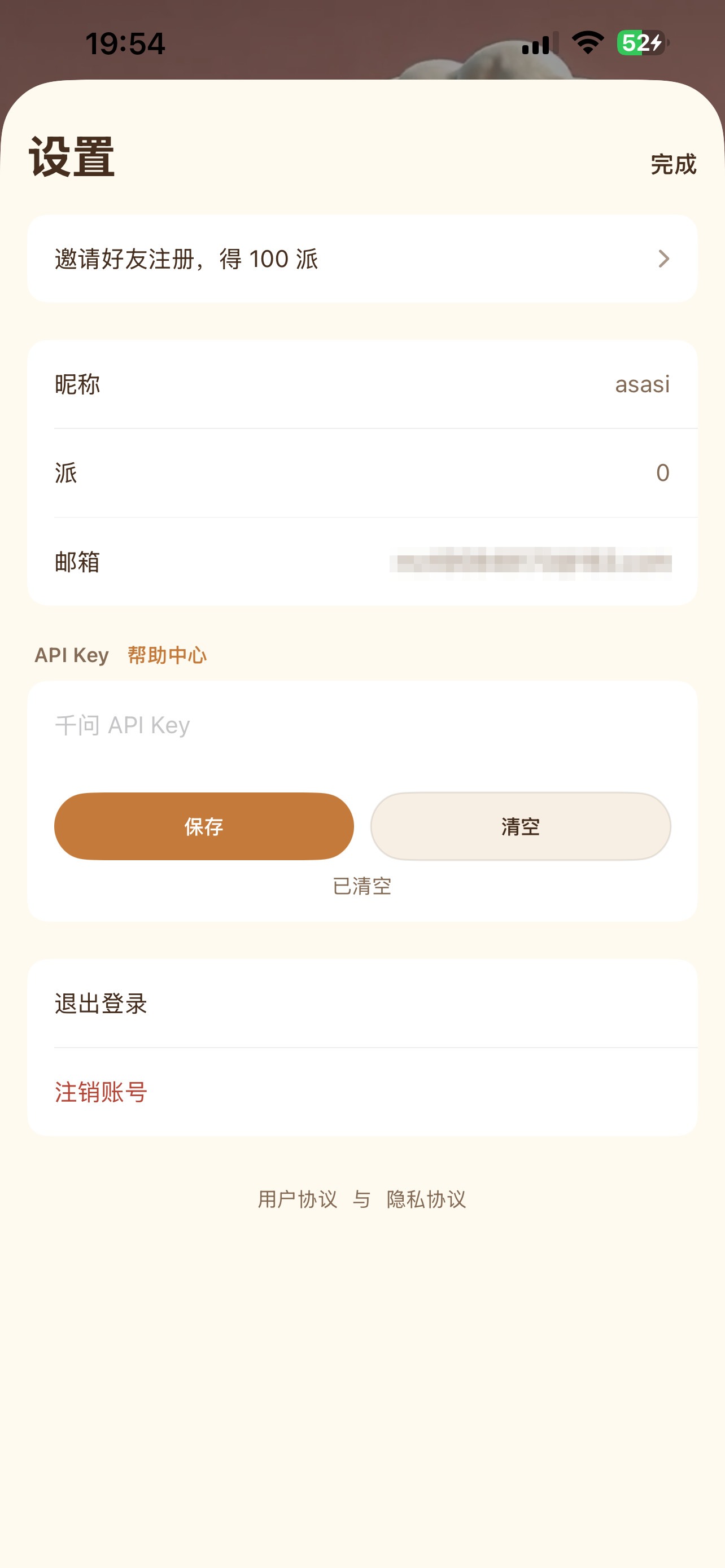
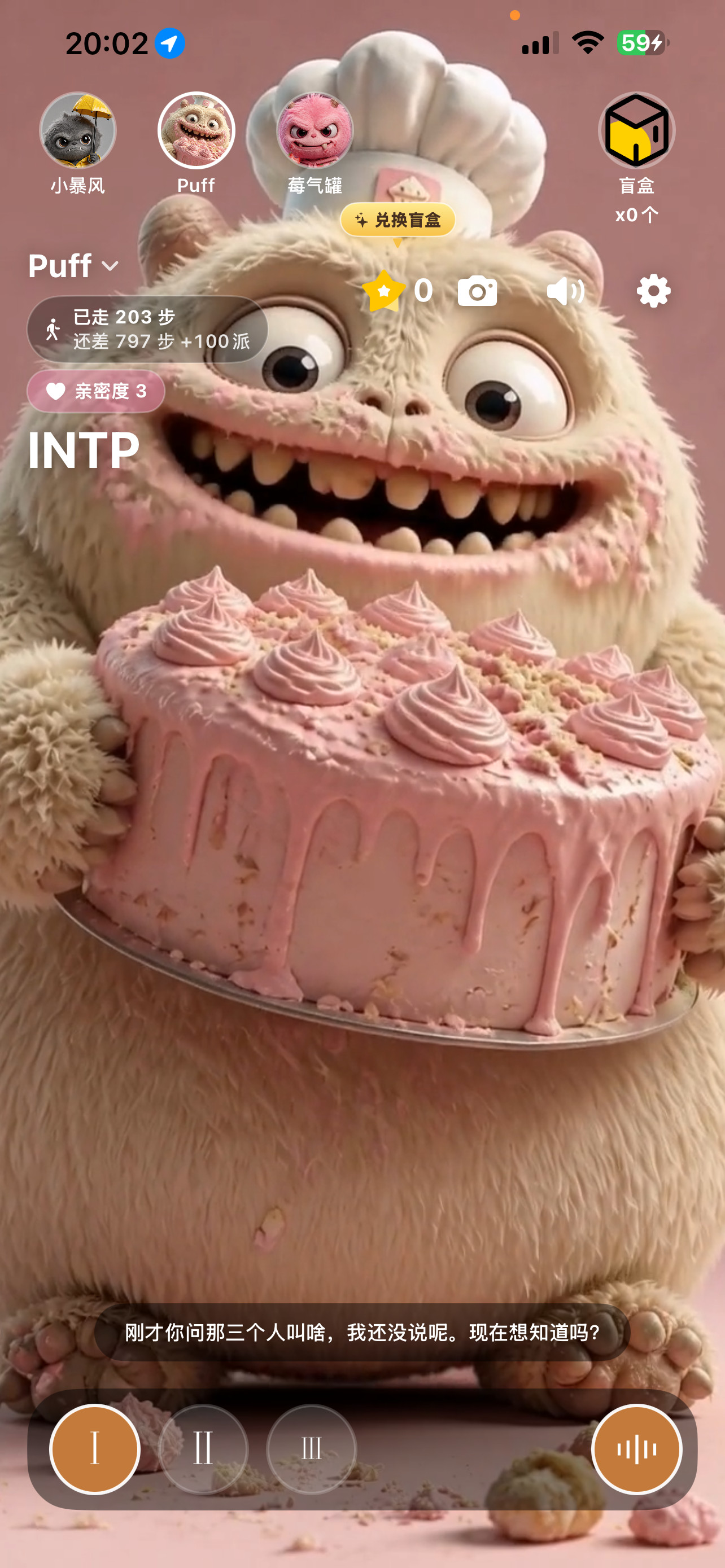
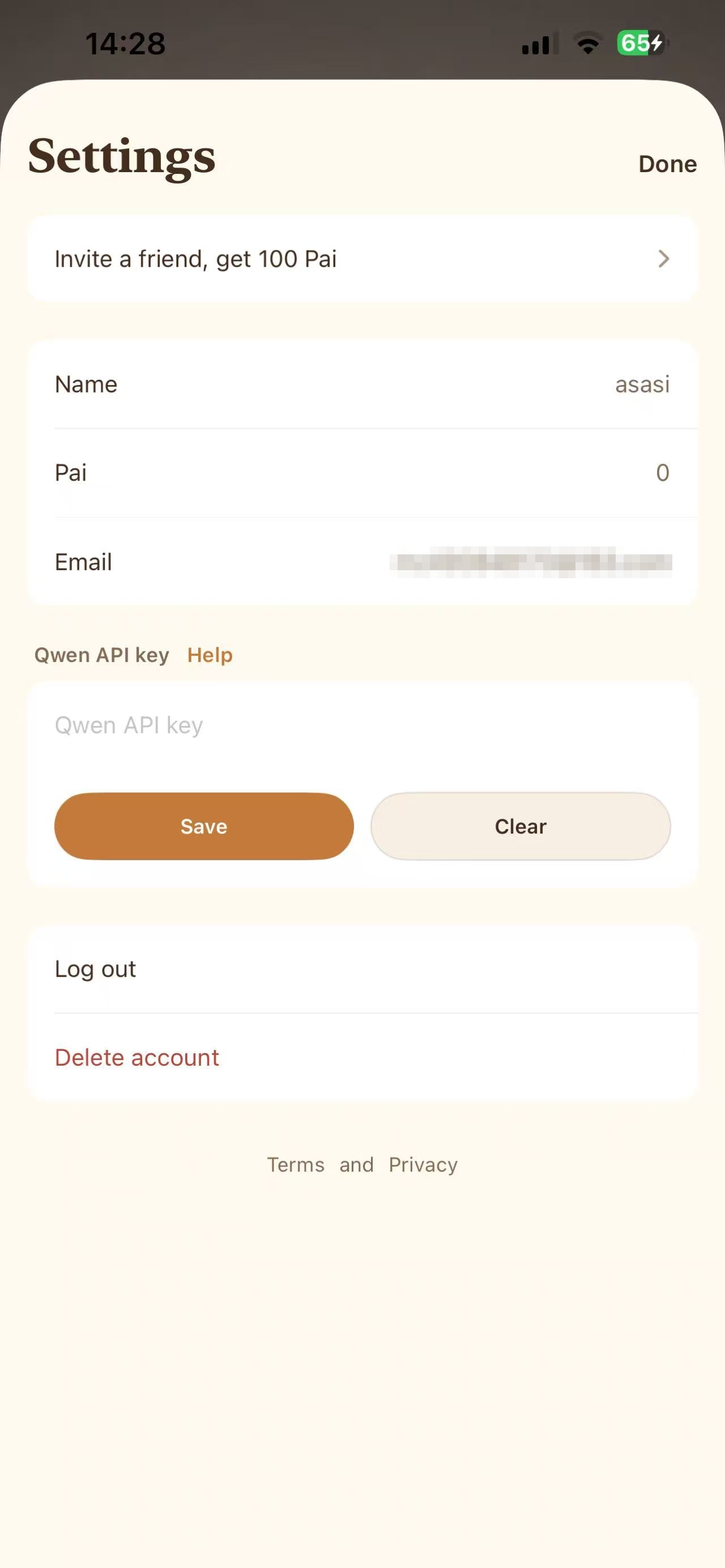
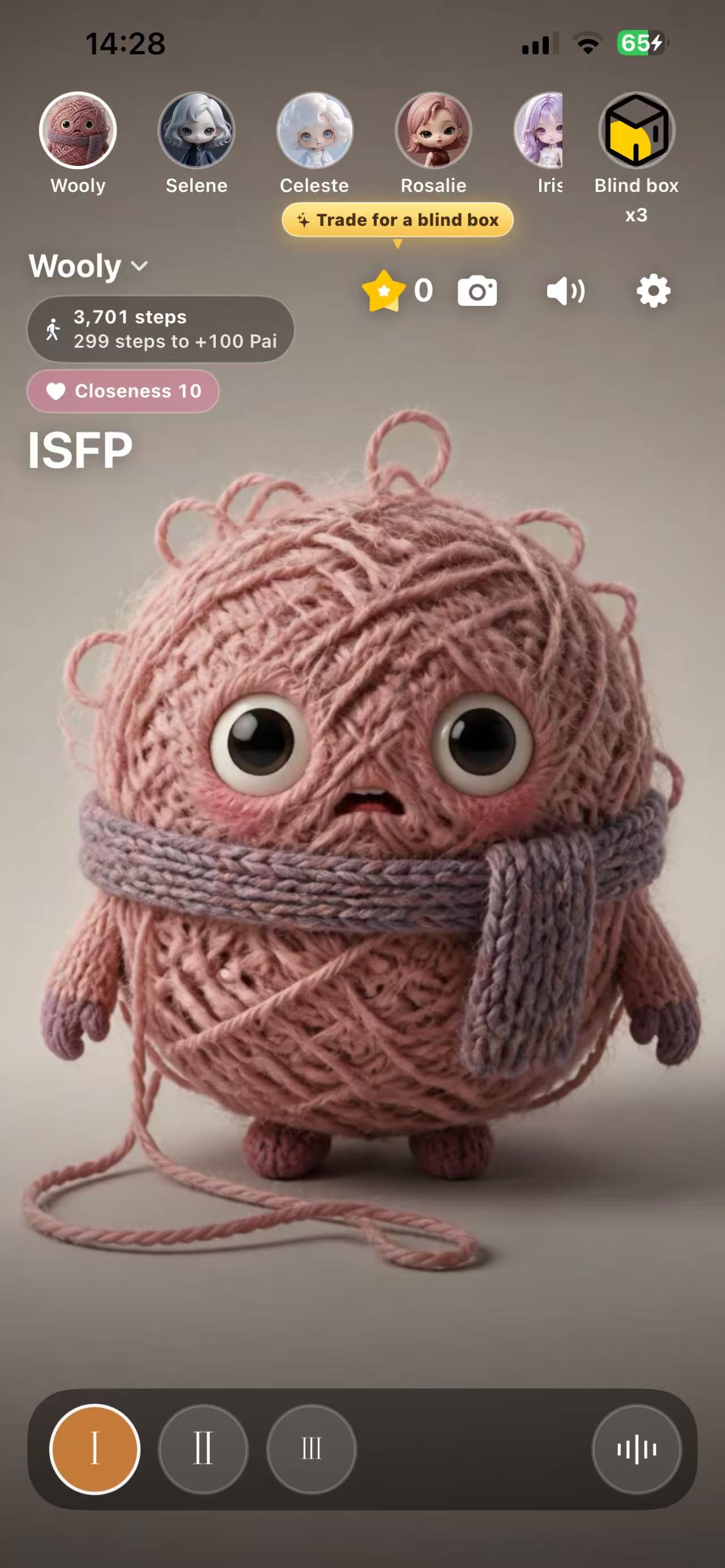
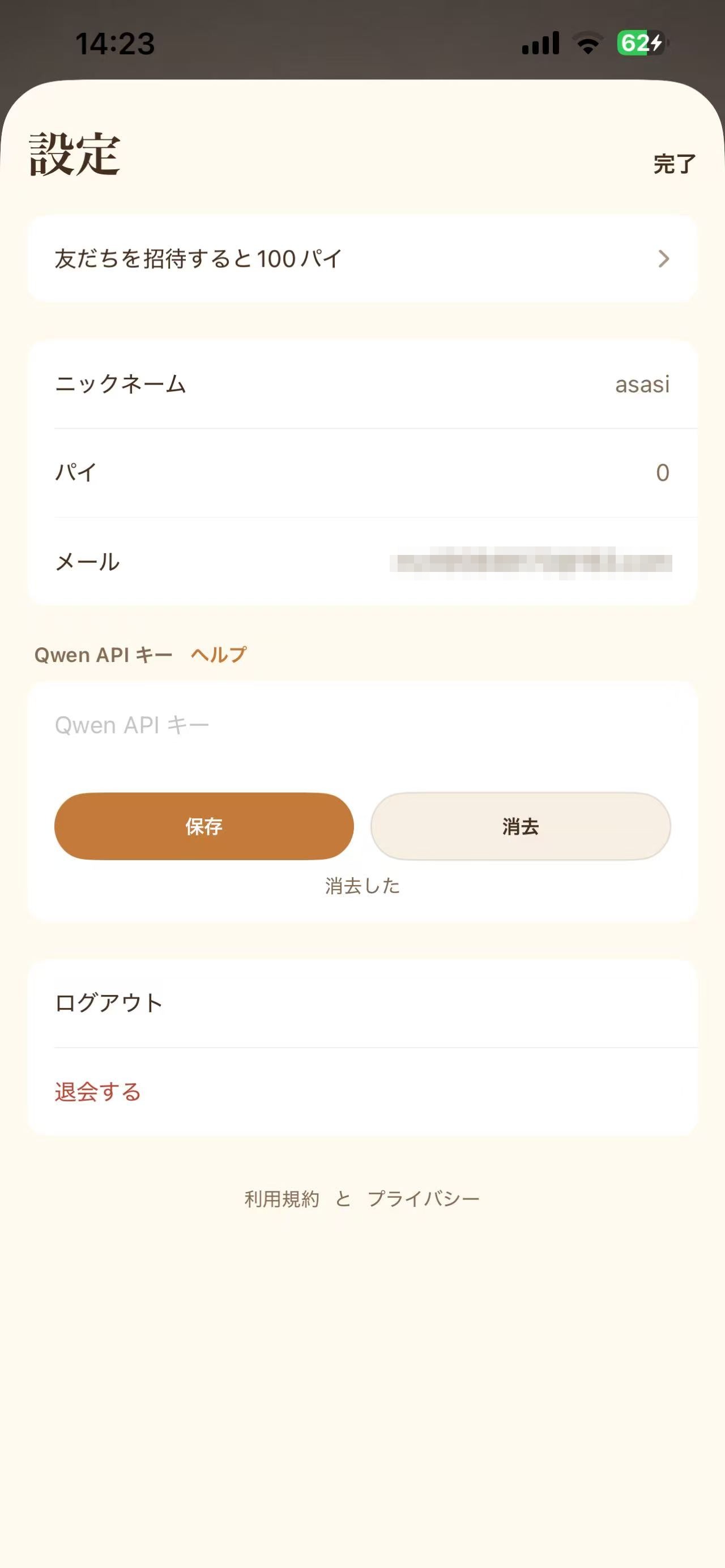
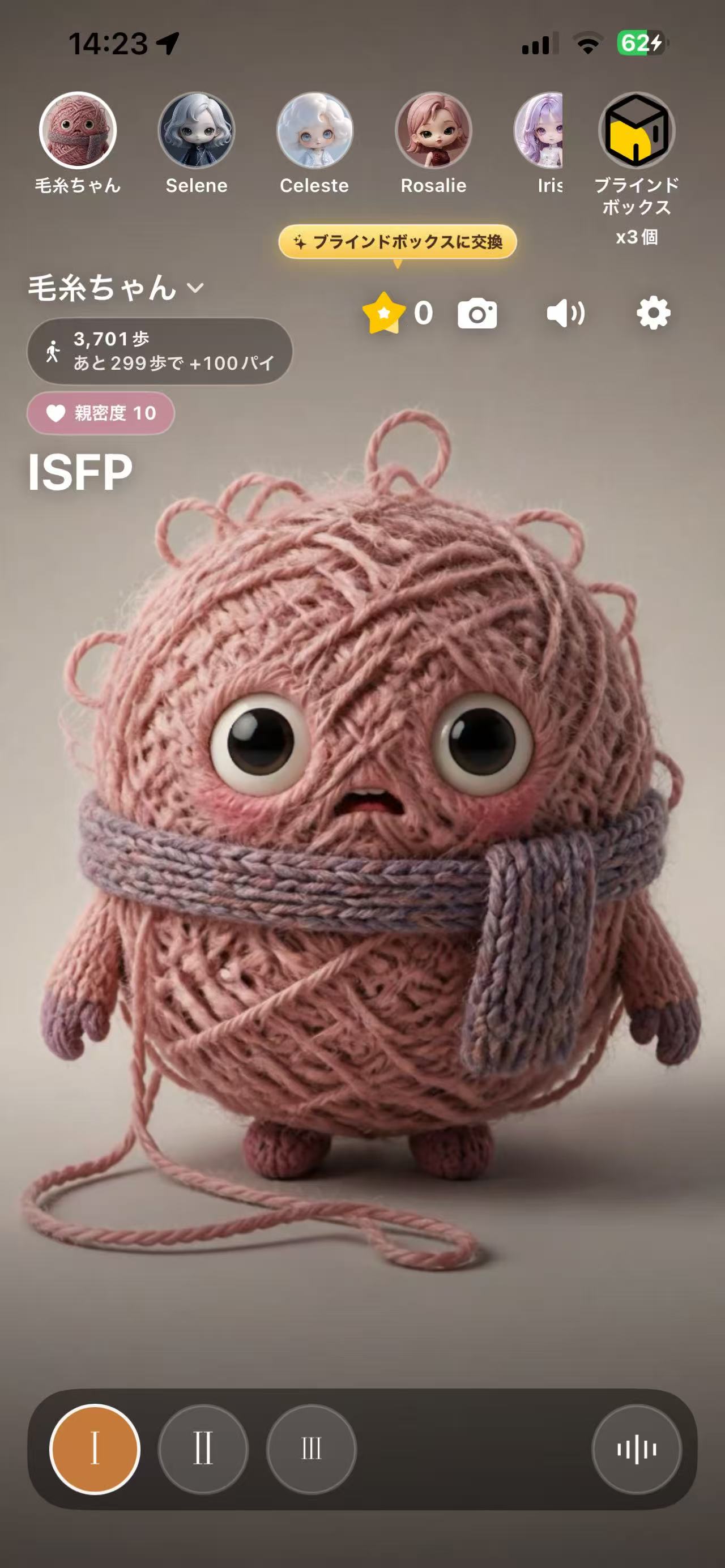
Paste it into MollyPaiOpen Settings in the app. Paste the key into Qwen API Key and tap Save. When it says the key is saved on this phone, go back to the home screen, tap the audio button at the lower right, and allow the microphone. You can then talk to the pet.
Cost
This key is billed at Qwen's published prices and charged to your own Alibaba Cloud account. Usage is under Usage and Bills on the left of the Qwen AI console. MollyPai does not handle that money.
Do not paste a key from Subscribe to a Token Plan. Voice needs a new key from Pay as you go.
If the Qwen account is unpaid, the pet cannot talk until you add credit yourself. 10 yuan lasts somewhere between half an hour and an hour. See Qwen3.8-Omni-Flash-Realtime pricing.
Where the key stays
After you save it, the key is only on this phone. MollyPai's servers do not keep a copy. A new phone, or deleting the app, means you enter it again. Tap Clear in Settings to remove it from this phone.
Check that the key is filled in, that there is no extra space, and that the Qwen account is not unpaid. If it still will not connect, write to support@mollypai.com and include your account email. Do not paste the API key in the email.